连接数据库
Hyac 会为每个应用准备独立的 MongoDB 数据库,并在函数运行时自动注入数据库对象。函数代码不需要手动创建 MongoDB 连接,也不需要维护数据库账号密码。
当前版本已经不再使用 Motor。新函数请通过稳定门面 ctx.cloud.database() 使用 PyMongo 异步数据库,必要时再通过 ctx.cloud.database(sync=True) 使用同步数据库。旧入口 ctx.db、ctx.async_db、ctx.sync_db、ctx.pymongo_db 仍保持兼容。
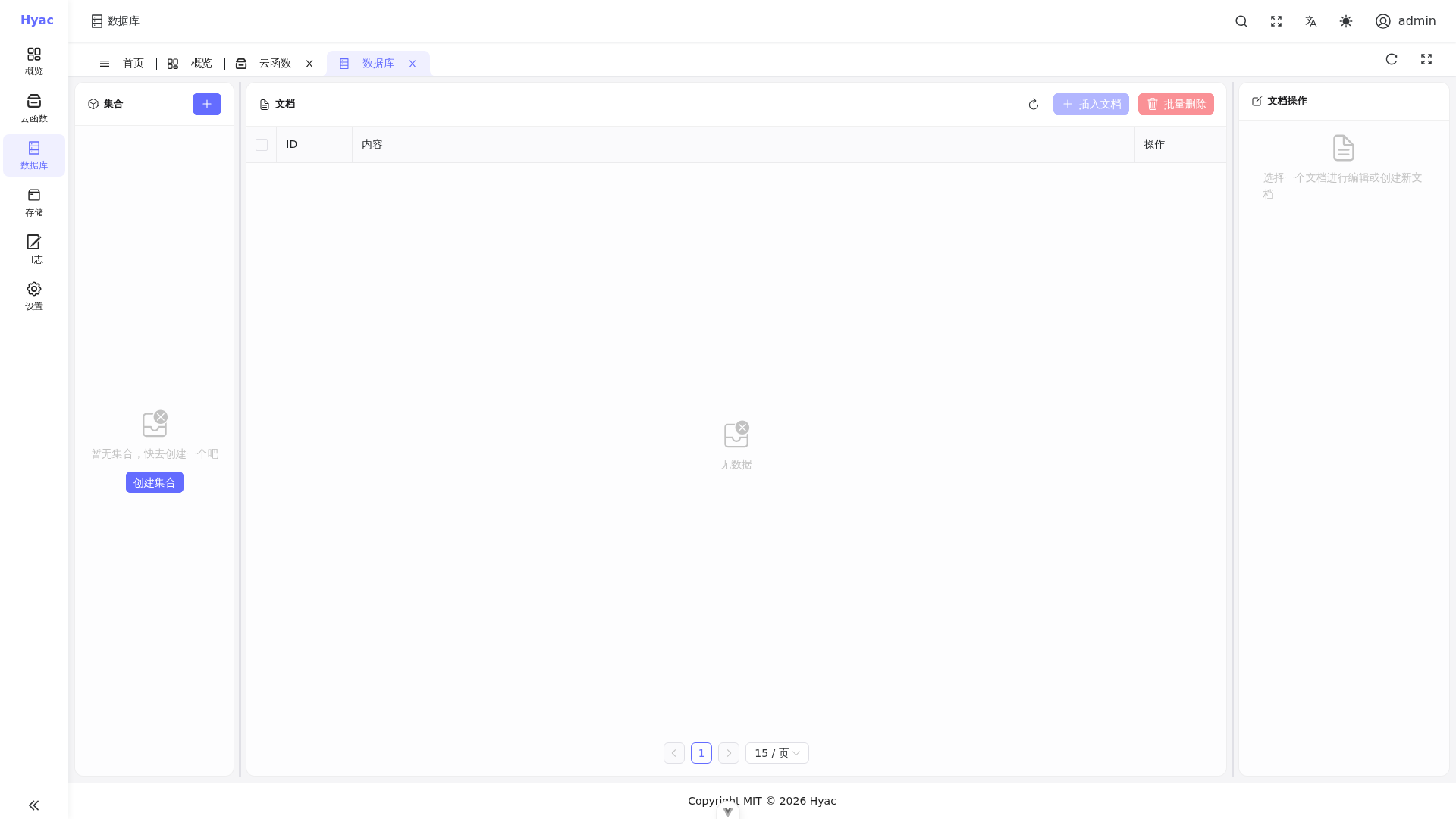
控制台“数据库”页用于查看当前应用的集合和文档。函数中的 ctx.cloud.database() 与该应用数据库对应。
推荐:ctx.cloud.database()
ctx.cloud.database() 返回当前应用的异步 PyMongo 数据库对象,适合大多数函数。
async def handler(ctx, request):
    db = ctx.cloud.database()
    tasks = db["tasks"]

    result = await tasks.insert_one({
        "title": "hello hyac",
        "done": False
    })

    task = await tasks.find_one({"_id": result.inserted_id})
    task["_id"] = str(task["_id"])

    return task
查询多条数据时使用异步迭代:
async def handler(ctx, request):
    rows = []
    db = ctx.cloud.database()

    async for item in db["tasks"].find({"done": False}).limit(20):
        item["_id"] = str(item["_id"])
        rows.append(item)

    return {"items": rows}
同步入口:ctx.cloud.database(sync=True)
如果某些旧代码或第三方库只能同步执行,可以使用 ctx.cloud.database(sync=True)。
async def handler(ctx, request):
    db = ctx.cloud.database(sync=True)
    logs = db["logs"]
    result = logs.insert_one({"message": "created from sync PyMongo"})
    return {"id": str(result.inserted_id)}
同步操作会阻塞当前执行线程。面向高并发访问的函数应优先使用 ctx.cloud.database()。
数据库隔离
每个应用都有自己的数据库和账号。函数运行时会基于当前应用创建连接,因此:
- 不要在函数里硬编码 MongoDB 管理员账号。
- 不要跨应用访问其他应用数据库。
- 集合名称由业务自行定义,例如
orders、users、events。
常见操作示例
插入
async def handler(ctx, request):
    db = ctx.cloud.database()
    result = await db["events"].insert_one({"type": "signup"})
    return {"id": str(result.inserted_id)}
更新
async def handler(ctx, request):
    db = ctx.cloud.database()
    result = await db["events"].update_one(
        {"type": "signup"},
        {"$set": {"handled": True}}
    )
    return {"matched": result.matched_count, "modified": result.modified_count}
删除
async def handler(ctx, request):
    db = ctx.cloud.database()
    result = await db["events"].delete_many({"handled": True})
    return {"deleted": result.deleted_count}
删除前必须确认过滤条件,避免误删整集合。
旧代码迁移
如果旧函数使用了 ctx.motor_db 或 context.motor_db,请改为:
db = ctx.db
如果旧函数使用了 context.pymongo_db,请改为:
db = ctx.sync_db
motor_db 当前只保留为兼容别名,不再作为文档推荐用法。新代码建议直接使用 ctx.cloud.database() 或 ctx.cloud.database(sync=True)。