Database Connection
Hyac prepares an isolated MongoDB database for each application and injects database objects into the function runtime automatically. Function code does not need to create MongoDB connections or manage database credentials.
The current version no longer uses Motor. New functions should use PyMongo's async database through the stable ctx.cloud.database() facade, and use ctx.cloud.database(sync=True) only when synchronous code is required. Legacy entries ctx.db, ctx.async_db, ctx.sync_db, and ctx.pymongo_db remain compatible.
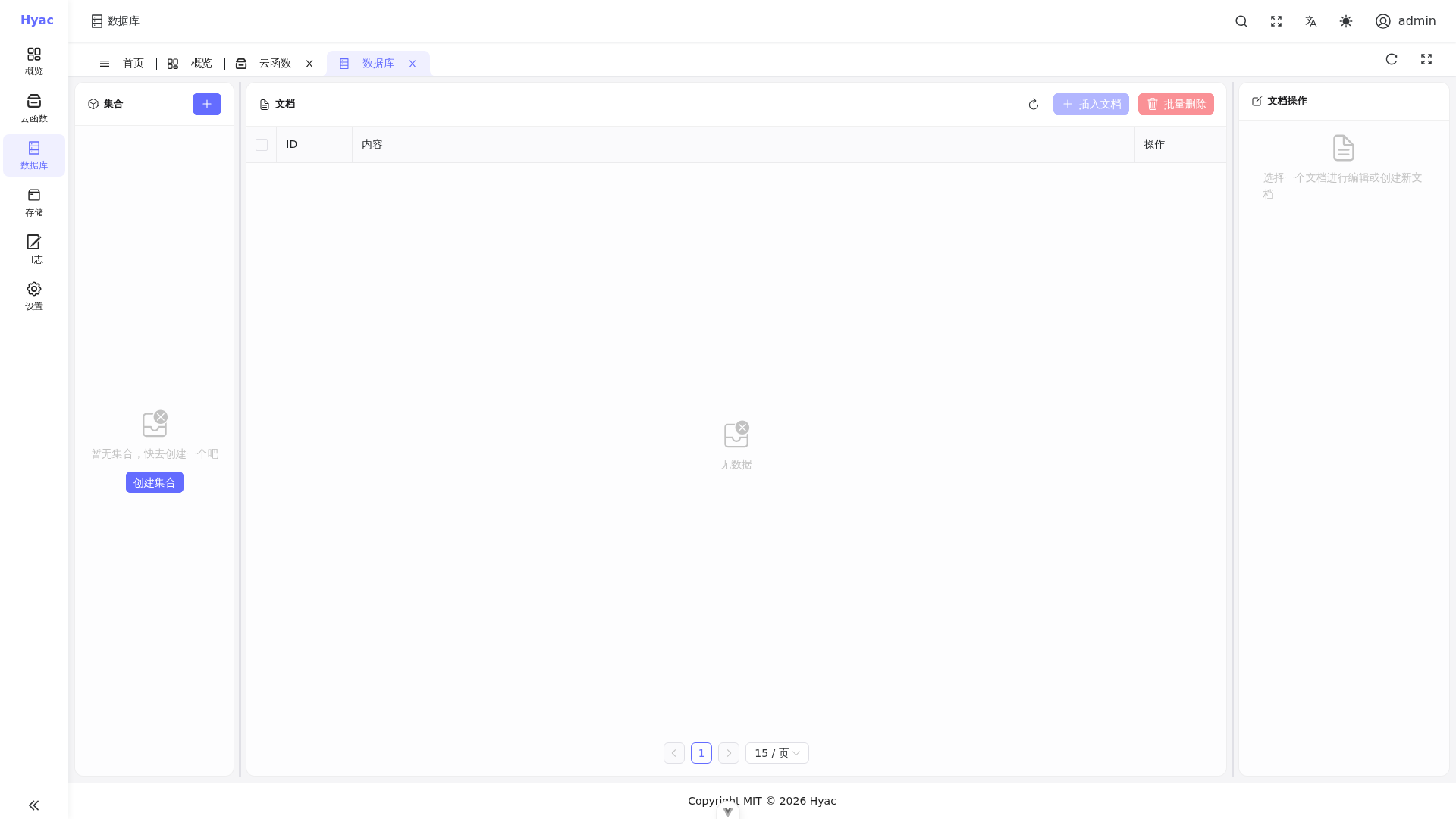
The "Database" page shows collections and documents for the current application. Function ctx.cloud.database() points to the same application database.
Recommended: ctx.cloud.database()
ctx.cloud.database() returns the async PyMongo database object for the current application. It is suitable for most functions.
async def handler(ctx, request):
    db = ctx.cloud.database()
    tasks = db["tasks"]

    result = await tasks.insert_one({
        "title": "hello hyac",
        "done": False
    })

    task = await tasks.find_one({"_id": result.inserted_id})
    task["_id"] = str(task["_id"])

    return task
Use async iteration when querying multiple documents:
async def handler(ctx, request):
    rows = []
    db = ctx.cloud.database()

    async for item in db["tasks"].find({"done": False}).limit(20):
        item["_id"] = str(item["_id"])
        rows.append(item)

    return {"items": rows}
Sync Entry: ctx.cloud.database(sync=True)
If legacy code or a third-party library must run synchronously, use ctx.cloud.database(sync=True).
async def handler(ctx, request):
    db = ctx.cloud.database(sync=True)
    logs = db["logs"]
    result = logs.insert_one({"message": "created from sync PyMongo"})
    return {"id": str(result.inserted_id)}
Synchronous operations block the current execution thread. For high-concurrency functions, prefer ctx.cloud.database().
Database Isolation
Each application has its own database and account. The runtime creates the connection for the current application, so:
- Do not hard-code MongoDB administrator credentials in functions.
- Do not access another application's database.
- Define collection names by business domain, such as
orders,users, orevents.
Common Operations
Insert
async def handler(ctx, request):
    db = ctx.cloud.database()
    result = await db["events"].insert_one({"type": "signup"})
    return {"id": str(result.inserted_id)}
Update
async def handler(ctx, request):
    db = ctx.cloud.database()
    result = await db["events"].update_one(
        {"type": "signup"},
        {"$set": {"handled": True}}
    )
    return {"matched": result.matched_count, "modified": result.modified_count}
Delete
async def handler(ctx, request):
    db = ctx.cloud.database()
    result = await db["events"].delete_many({"handled": True})
    return {"deleted": result.deleted_count}
Always verify the filter before deleting data to avoid removing an entire collection by mistake.
Migrating Old Code
If older functions use ctx.motor_db or context.motor_db, replace it with:
db = ctx.db
If older functions use context.pymongo_db, replace it with:
db = ctx.sync_db
motor_db remains only as a compatibility alias and is no longer the recommended documented entry. New code should use ctx.cloud.database() or ctx.cloud.database(sync=True) directly.