Object Storage Connection
Hyac uses RustFS as S3-compatible object storage. FaaS functions should access the current application's bucket through ctx.cloud.storage(), so function code does not need to manage RustFS access keys directly. The legacy ctx.s3 entry remains compatible.
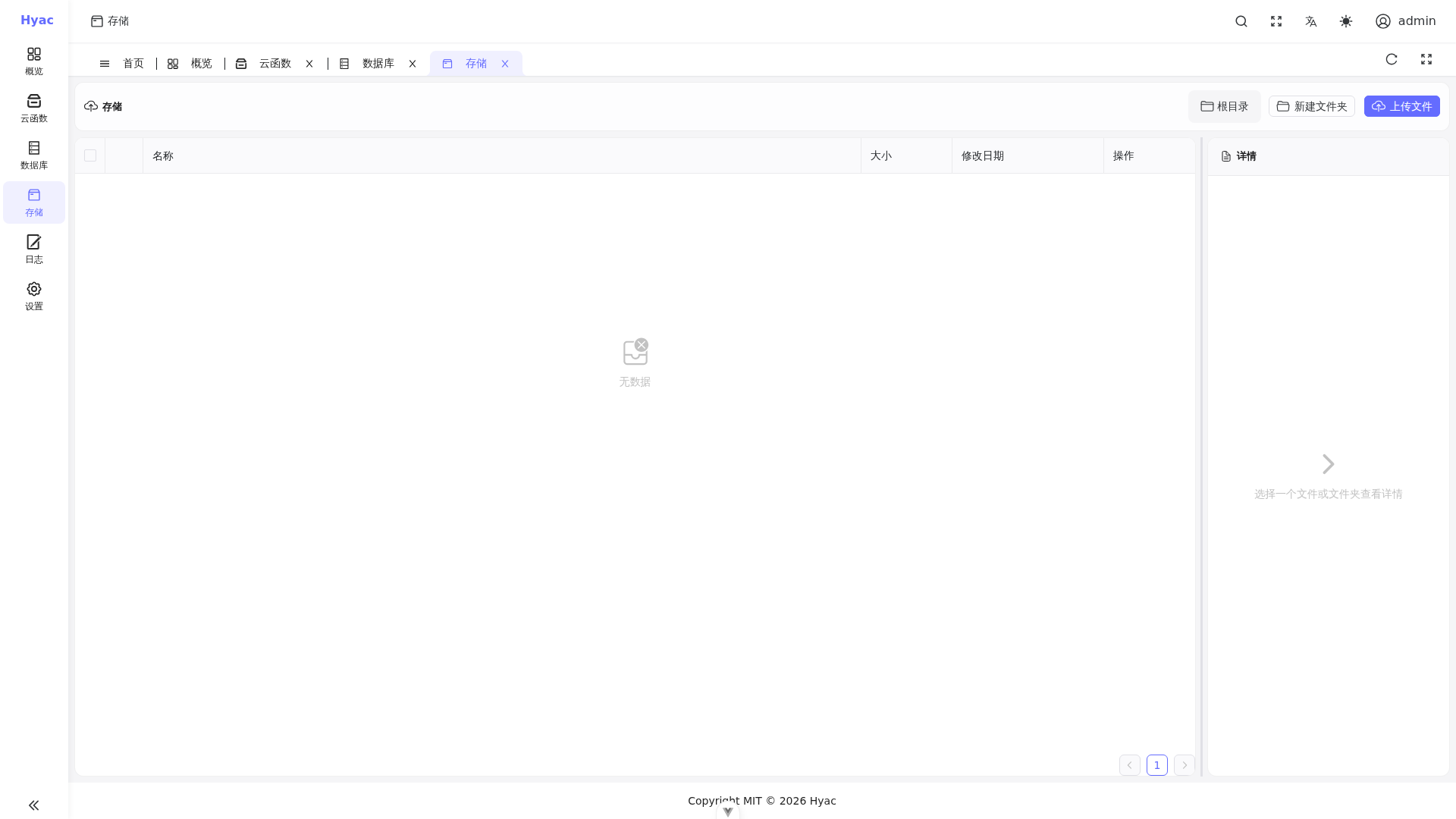
The "Storage" page displays files in the current application's bucket. Function ctx.cloud.storage() reads and writes the same application storage.
Common use cases include:
- Reading application files
- Writing files generated by functions
- Managing temporary or persistent object data
Example:
async def handler(ctx):
    storage = ctx.cloud.storage()
    data = await storage.get("demo/hello.txt")
    if data is None:
        return {"ok": False, "message": "file not found or read failed"}

    return {"ok": True, "content": data.decode("utf-8")}
To write an object:
async def handler(ctx):
    storage = ctx.cloud.storage()
    ok = await storage.put("demo/hello.txt", "Hello from Hyac".encode("utf-8"))
    if not ok:
        return {"ok": False, "message": "write failed"}

    return {"ok": True}
put() returns False when the write fails, and get() returns None when the read fails or the object does not exist.
The backing storage service is RustFS, while the API remains S3-compatible, so configuration keys still use the S3_* prefix.