Database Access
Hyac provides an isolated MongoDB database for each application. The runtime injects database connections automatically, so function code does not need to build MongoDB connection strings.
The current version no longer uses Motor. User functions should use PyMongo's async or sync clients.
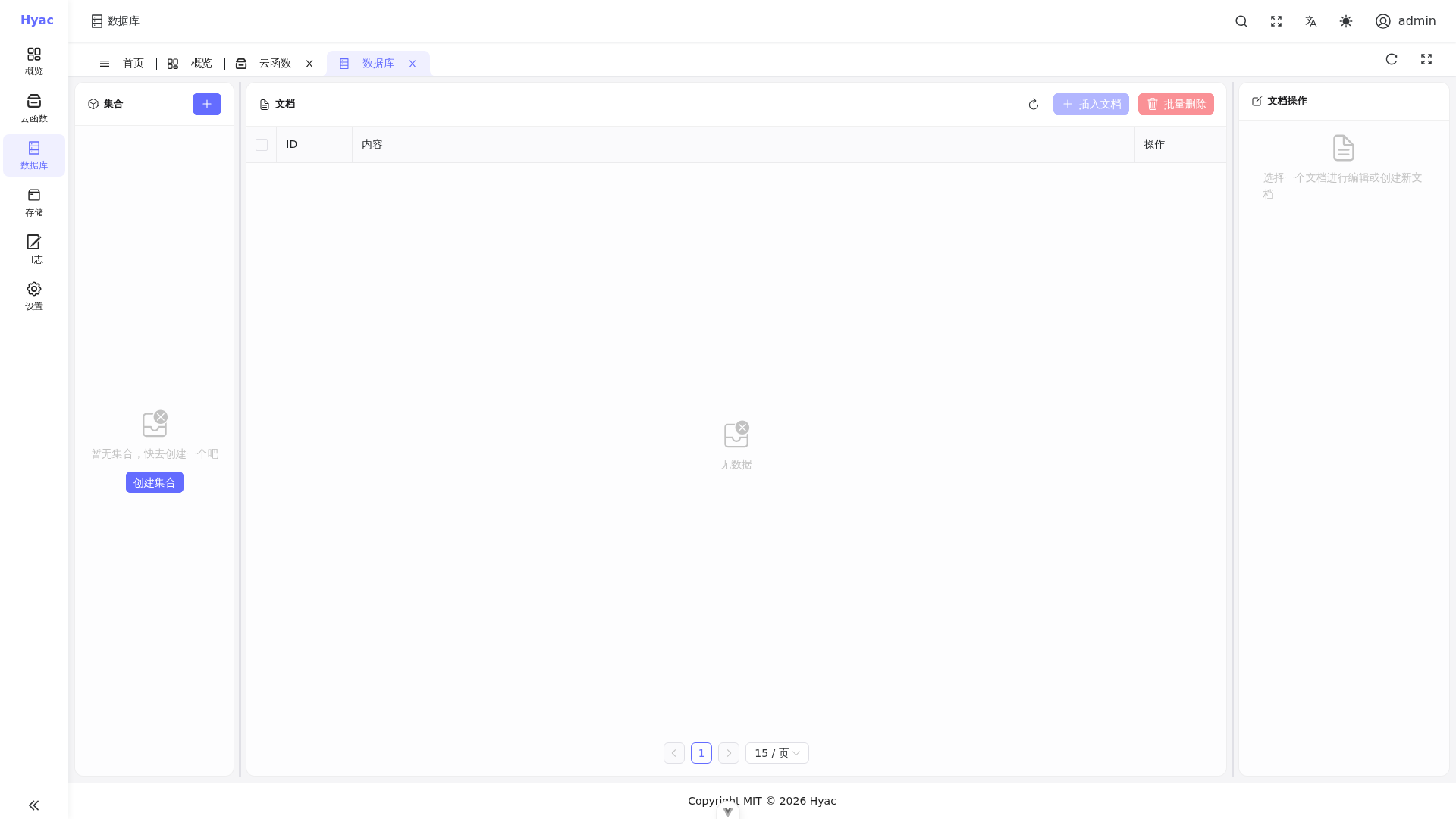
The Database page manages collections and documents for the current application. Function code accesses the same application database through the injected runtime context.
Recommended: ctx.cloud.database()
Use ctx.cloud.database() to access the current application's async database. It returns a PyMongo Async database object and is the recommended choice for most functions. Legacy entries ctx.db and ctx.async_db remain compatible, but new functions should use ctx.cloud.database().
async def handler(ctx, request):
    db = ctx.cloud.database()
    collection = db["todos"]

    result = await collection.insert_one({
        "title": "Write Hyac docs",
        "done": False
    })

    document = await collection.find_one({"_id": result.inserted_id})

    return {
        "id": str(result.inserted_id),
        "title": document["title"],
        "done": document["done"]
    }
Common operations:
async def handler(ctx, request):
    db = ctx.cloud.database()
    users = db["users"]

    await users.insert_one({"name": "Alice"})
    one = await users.find_one({"name": "Alice"})
    await users.update_one({"name": "Alice"}, {"$set": {"active": True}})

    rows = []
    async for item in users.find({"active": True}).limit(10):
        item["_id"] = str(item["_id"])
        rows.append(item)

    return {"one": str(one["_id"]), "rows": rows}
Sync PyMongo: ctx.cloud.database(sync=True)
If a third-party library or existing code must run synchronously, use ctx.cloud.database(sync=True). Legacy entries ctx.sync_db and ctx.pymongo_db remain compatible.
async def handler(ctx, request):
    db = ctx.cloud.database(sync=True)
    collection = db["events"]
    result = collection.insert_one({"type": "login"})
    return {"id": str(result.inserted_id)}
Synchronous database operations block the current execution thread. For high-concurrency functions, prefer ctx.cloud.database().
Database Isolation
Each application uses its own database account and database name. The runtime loads the connection by application:
mongodb://<app_id>:<db_password>@mongodb:27017/<app_id>?authSource=admin&replicaSet=rs0
User functions normally do not need this connection string. Use ctx.cloud.database() or ctx.cloud.database(sync=True).
ObjectId Handling
MongoDB _id values are ObjectId instances by default and cannot be returned as JSON directly. Convert them to strings before returning.
async def handler(ctx, request):
    db = ctx.cloud.database()
    doc = await db["items"].find_one({})
    if not doc:
        return None

    doc["_id"] = str(doc["_id"])
    return doc
Error Handling
For database writes, catch exceptions and return a business-friendly message.
from pymongo.errors import PyMongoError

async def handler(ctx, request):
    db = ctx.cloud.database()
    logger = ctx.cloud.logger()
    try:
        await db["orders"].insert_one({"status": "created"})
        return {"ok": True}
    except PyMongoError as exc:
        logger.error(f"database write failed: {exc}")
        return {"ok": False, "message": "database write failed"}
Migration Note
Older docs or functions may contain ctx.motor_db or context.motor_db. In the current codebase, it is only a compatibility alias and should not be used in new functions. ctx.db, ctx.async_db, ctx.sync_db, and ctx.pymongo_db remain available for existing functions, but new functions should use ctx.cloud.database().
Use:
db = ctx.cloud.database()
For synchronous code:
db = ctx.cloud.database(sync=True)
Recommendations
- Do not hard-code MongoDB admin credentials in functions.
- Do not read or write another application's database.
- Prefer
ctx.cloud.database()for high-concurrency functions. - Convert
_id,datetime, and other non-JSON-native values before returning. - Before delete or bulk update operations, make the query condition explicit.